
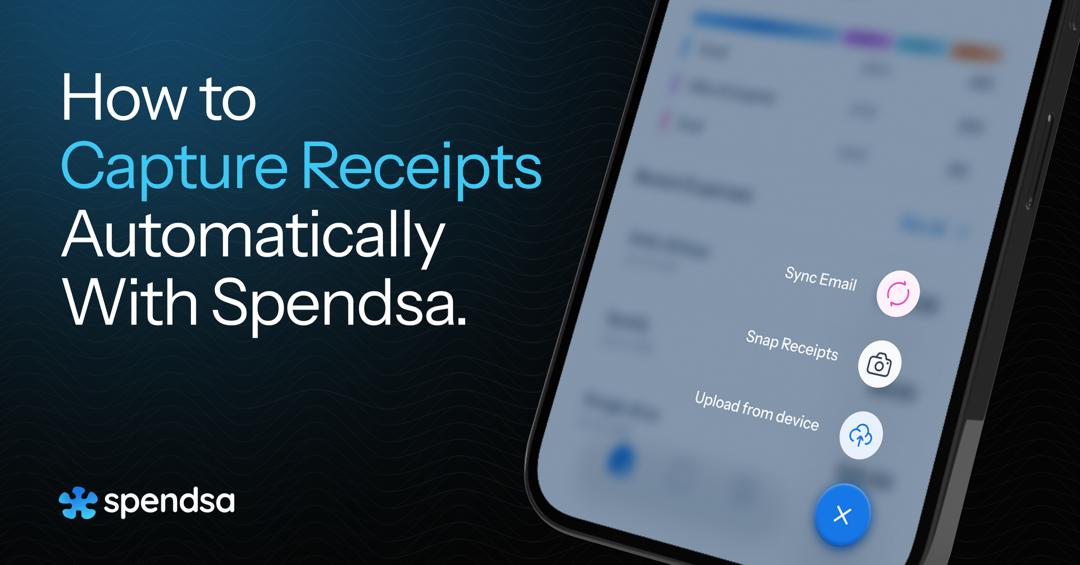
Having a startup or working as a freelancer already means that you have to handle a lot of things. Day to day running of your business, keeping up with clients, deliverables, etc, coupled with your expenses as well as your bills to vendors, travel costs, subscriptions, and more.
Manually managing all of these alongside actual work is almost impossible.This is why using a receipt and expense management tool like Spendsa is important to simplify, keep track and manage your expenses.
What is Spendsa?
Spendsa helps freelancers, creators, gig workers, and small business owners keep track of receipts and expenses without adding more work to their day. Instead of saving receipts across emails and chats, Spendsa puts everything together for your use.
It focuses on making expense records easier to collect, easier to understand, and easier to use later.
With Spendsa, you can:
- Collect receipts from your email and WhatsApp
Receipts often come in many forms- screenshots, email confirmations, WhatsApp messages, or paper copies. Spendsa allows you to sync your email and WhatsApp to collect all these receipts together in one place. - Turn receipts into usable expense records
Once receipts are captured, Spendsa helps organize the information so expenses are clearly recorded. This makes it easier to see what was spent, when it was spent, and what it was for. - View your expenses in one clear place
Rather than switching between folders, spreadsheets, or apps, Spendsa shows your expense data in a single dashboard. This makes reviewing your spending less time-consuming and reduces the chance of missing important records. - Prepare cleaner records for taxes and reporting
Tax preparation and financial reviews are easier when your expenses are consistently recorded and stored.
Get Started with Spendsa
If you are new to Spendsa, here is a simple way to start.
Step 1: Create Your Spendsa Account
Visit spendsa.com or download the app on android or iOS and set up your account. Once your account is active, you can immediately start collecting receipts and expense data.
This first step gives you access to your dashboard, where all your receipts and expenses will live going forward.
Step 2: Sync your account to your Email and WhatsApp
Go to your dashboard and click on Sync. You can sync it to your email or WhatsApp or both as the case may be.
After the sync, you should automatically find all receipts from your mail on Spendsa. You can also take pictures of receipts via WhatsApp and it reflects on your dashboard.
Step 3: Turn Receipts into Organized Expense Records
Once receipts come into Spendsa, the system extracts key details such as amount, date, and merchant. This turns raw receipts into structured expense records that are easier to review later.
Step 4: Review Your Expense Management Dashboard
Inside Spendsa, you can view all your expenses in one place. This overview helps you understand your spending without switching between folders, spreadsheets, or apps.
From time to time, you can review the data to ensure everything looks correct and reflects how your business operates.
Step 5: Export or Use Your Expense Data When Needed
When you need records for taxes, reporting, or sharing with an accountant, Spendsa allows you to generate and export your expense data easily. This makes gathering information faster and less stressful.
Staying on top of your expenses is much easier with Spendsa. Try it for free today.